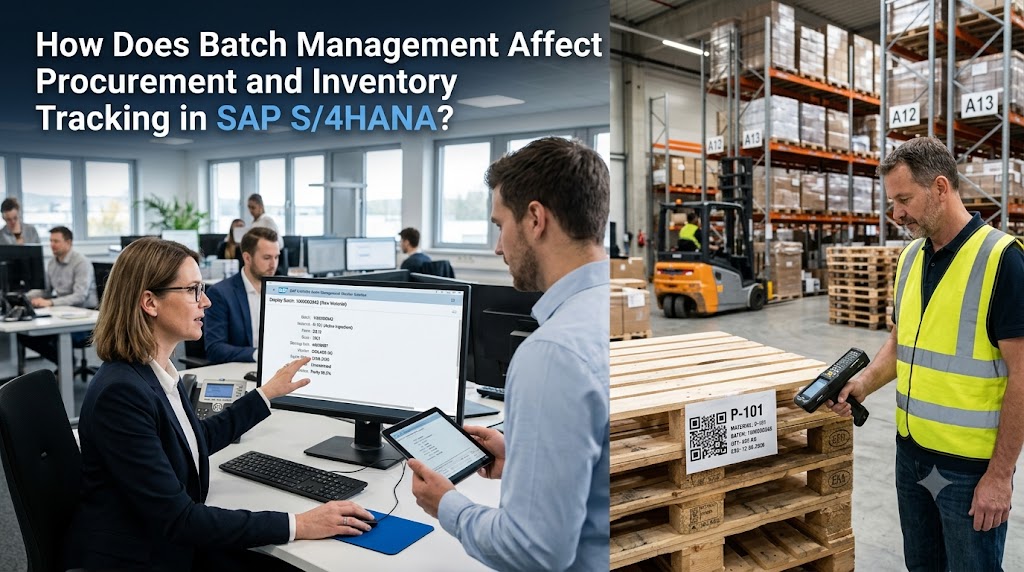


How Does Batch Management Affect Procurement and Inventory Tracking in SAP S/4HANA?
One week after raw material delivery, your quality team discovers a defect. That information suddenly affects all of those shipments. Now you need to trace which of the products made from that material were sent where and to whom. But if your system has no unique identity for a particular batch of that material, you’re left tediously searching rows of data. Batch management resolves that challenge. SAP S/4HANA assigns a unique identity to each batch of a material so you can follow it from the dock to the customer’s door. We’ll take a moment to show you how it works and how it benefits purchasing and logistics alike.
What Batch Management Means in SAP S/4HANA
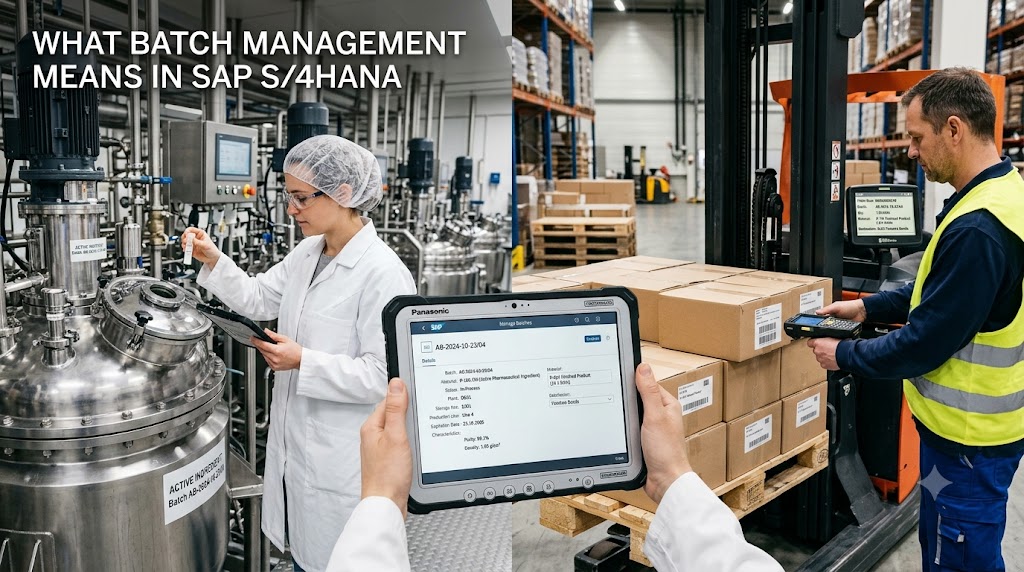
A batch is a quantity of a material that is created or received together and at the same time under similar conditions and therefore exhibits the same properties. When you turn on the batch management indicator in a material master, SAP asks you to specify a batch number whenever you create a movement for this material. SAP also generates a batch master record with details about that batch.
You don’t see “500 units of Material X” in stock – you see exactly what batch those units are from, what condition those batches are in, and where they’re located.
How Batch Management Changes the Procurement Process
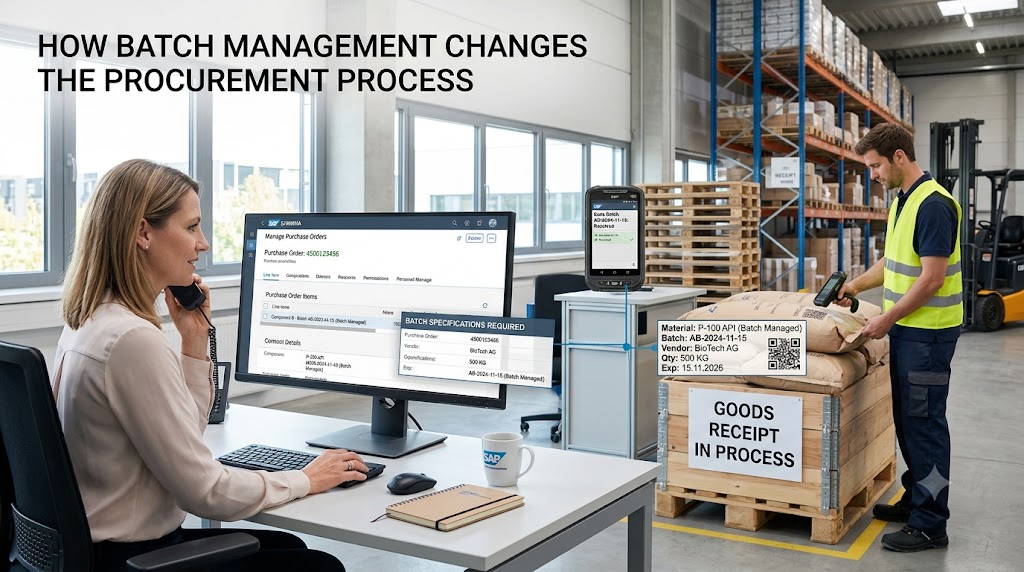
Batch management becomes relevant at the purchase stage. Create a purchase order for a batch-managed material and you will get the system prompting you for a batch at goods receipt (depending on your configuration, the batch number will be delivered by the vendor or SAP will create it).
And how that affects procurement:
- Vendor accountability: By entering the vendor’s batch number together with your internal one, you can relate quality issues directly to a delivery.
- Incoming QC: Batches can be directed to quality inspection stock prior to becoming available so that a suspicious delivery isn’t mixed with working stock.
- Improved supplier assessment: Linking defects to specific batches allows you to evaluate suppliers based on tangible data rather than subjective opinions.
- Shelf life checks: Rejects delivered to you that have less than a predetermined remaining shelf life – so you don’t take deliveries of stock that will be out of date when you receive it.
How Batch Management Improves Inventory Tracking
Without batches, inventory tracking only gives you the quantity of products you’ve got. With batches, you also get to know which products you’ve got, how well they are in terms of quality, and where they are in the supply chain. This feature is critical in sectors such as food & beverages and pharmaceuticals.
Some of the practical benefits include:
- Granular stock visibility: Your stock level is broken down at batch level for all your places of storage, you can easily see your not allowed to use stock, blocked stock and inspection stock per batch.
- First-expired-first-out picking: SAP batch determination is designed to automatically select the appropriate batch based on rules like expiry date, so that the older batch is used before newer.
- Full traceability: The batch where-used list tracks all production orders, deliveries and customers that have taken a specific batch. With a recall, you can quickly identify the impacted stock.
- Smaller write-offs: Use expiry dates to manage slow-selling stock before they hit the bin.
Key Features That Support Batch-Managed Materials
Several SAP S/4HANA capabilities work together here:
- Batch classification: You can relate attributes like grade, color, or potency and then search or pick batches based on those attributes.
- Batch determination: Rules driven by sales, production or delivery requirements automatically select the optimal batch.
- Batch split: The ability to fulfill a single line of a delivery/order from multiple batches when no one batch contains enough quantity.
- Documentation and reporting: Goods movements, inspection results, and certificates are still attached to the batch record for audits.
Common Challenges and How to Avoid Them
Batch management certainly helps with control, but it is not without its data discipline issues. So, the Warehouse personnel going rogue and not making batch entries, non-definitive number range rules or inconsistent setup of Material Masters across Plants often create issues. But a few practices go a long way:
- Establish batch numbering rules(internal or external) prior to go-live.
- Educate Warehouse Goods Receipt and Warehouse teams on why batch correctness is significant.
- Review all batch-managed materials often to ensure the indicator is marked only where it is meaningful.
All non-materials are in need of batch tracing. It can do more harm than good if you use batch tracking for low-risk materials.
Conclusion: Turning Batch Control Into a Business Advantage
Batch management provides a single, traceable thread from purchase through to inventory management in SAP S/4HANA. Purchasing gains greater visibility into suppliers and receiving controls; warehouse and quality gain granular inventory visibility and a fast recall capability. Reduced waste, an emphasis on regulatory compliance, and a more confident organization are the outcomes.
If you need to implement or improve batch management in your SAP landscape, Nextnow can configure batch management around the way you do things, giving traceability without the headaches.
FAQs
What exactly is a batch in SAP S/4HANA, and do I really need one?
A batch is a particular quantity of a material that has been manufactured or obtained and that has the same properties. You require a batch if you need to manage that material by lot, for example due to shelf life, quality specifications or recalls. If a material is low risk and you only require total quantity, batch management can be omitted.
How do I turn on batch management for a material?
You can store this in the material master record as a batch management indicator. When activated, SAP will prompt you for a batch number whenever any movement takes place on that material, whether a goods receipt, a transfer, or a delivery. Confirm with your SAP team before changing this on a material with existing stock, as some extra steps may be required.
Who creates the batch number, me or SAP?
It depends on your setup. SAP can assign the number automatically, or you can add your own, for example, the manufacturer’s batch number as printed on the delivery note. Some companies keep both, so they can track an issue back to the vendor while still keeping their own numbering system.
Can I use batch management to find out where a defective product went?
Yes, this is one of its greatest advantages. It provides a batch-where-used list that tells you what delivery orders, customers and production orders received that batch. If there is an issue with a batch flagged by quality, you can locate the stock immediately, rather than trawling records.