

How Do You Troubleshoot Common Goods Receipt and Invoice Verification Errors in SAP MM?
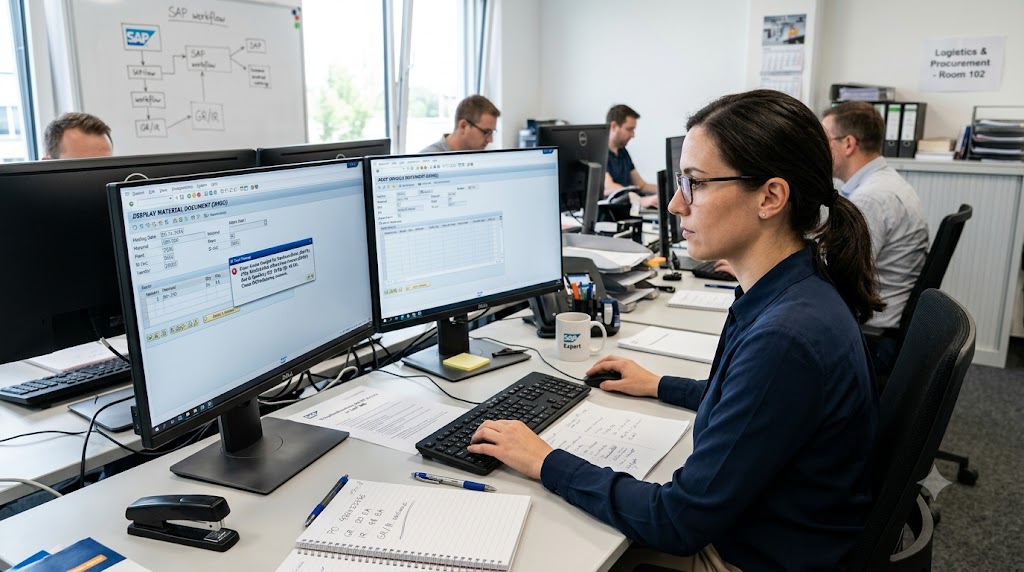
It’s the end of the month; your finance team is trying to close the books and an invoice gets stuck because the system indicates a mismatch with goods receipt. Rings a bell? If you work with SAP Materials Management, then it probably does. These errors can seem overwhelming, but most of them tend to occur in similar ways, and once you understand the logic, you’ll have fewer headaches fixing them. In this blog, we’ll show you common SAP MM invoice verification and goods receipt errors, tell you why they happen and teach you how to find solutions. Whatever you do – SAP Training or live projects – you can troubleshoot like a PRO.
Whether you’re delving into an SAP Course or studying for SAP Certification, this is a subject you definitely should learn. Goods receipt (MIGO) and invoice verification (MIRO) errors occur in everyday project work, and they’re a common subject for interview questions and certifications as well. If you know where to look and how to resolve them, you demonstrate you understand procure-to-pay in a pragmatic context.
Understanding the Procure-to-Pay Flow Behind These Errors
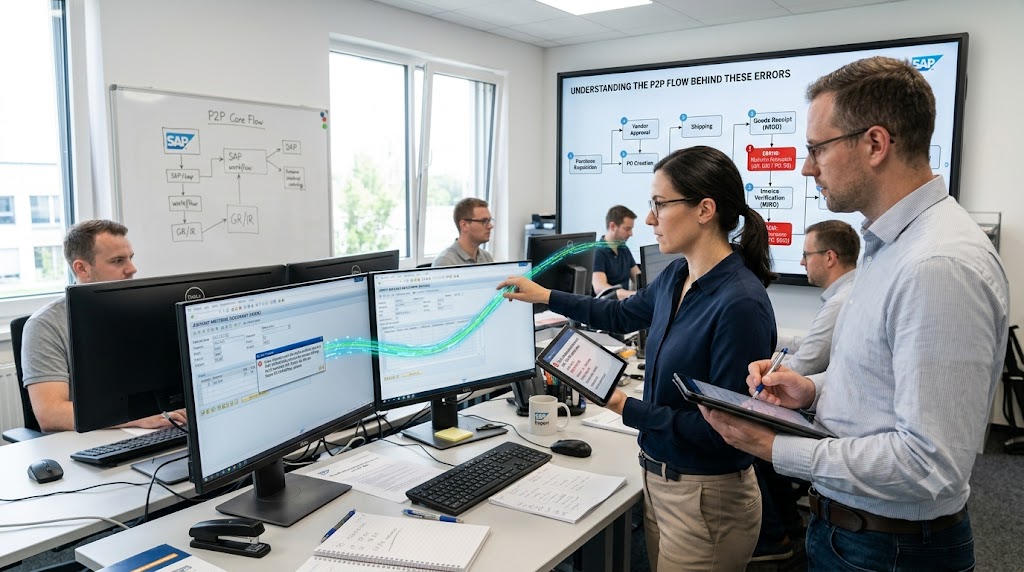
It’s a lot easier to fix an error if you understand where it originates in the process, rather than hunting the problem down trying to find the root cause. The procure-to-pay cycle in SAP MM begins with a purchase requisition, followed by a purchase order, a goods receipt (MIGO), an invoice verification (MIRO), and then finally the payment. SAP agrees to the data at each step based on the previous step, and it blocks an invoice when a previous document doesn’t agree. This is called a three-way match: purchase order, goods receipt, and invoice.
Common Goods Receipt Errors in MIGO and How to Fix Them
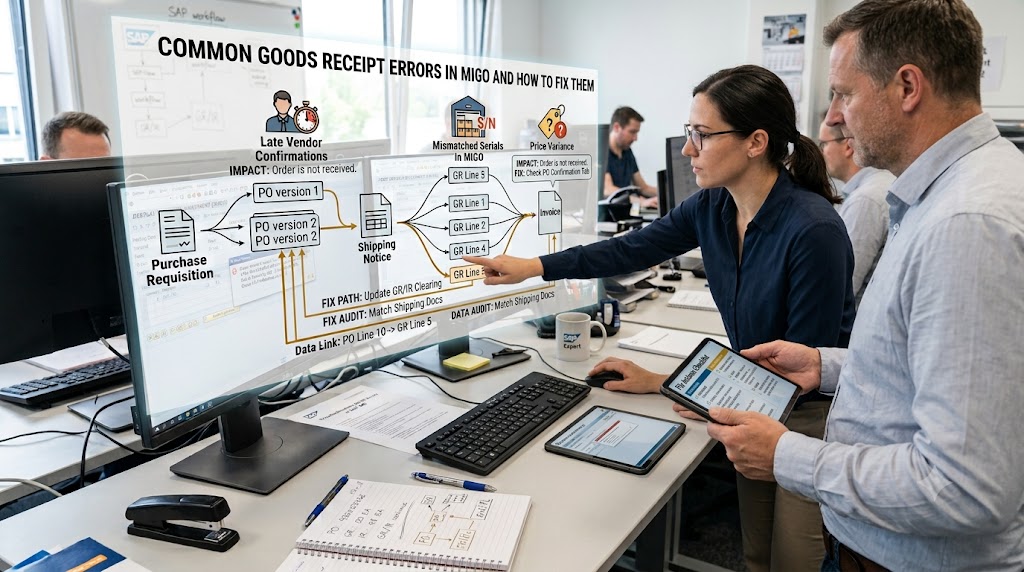
- Find purchase order reference is missing or incorrect: When MIGO does not find the PO (or any of the items), the PO has not been released (and the item not deleted/flagged as complete), and the delivery completion indicator was not set earlier than it should have been. The PO history (ME23N) will show what happened.
- Incorrect period or posting date/problem: Such as “posting period is not open”. This indicates the material or finance period is closed. Verify the period settings via transaction MMPV and double-check with your finance team before making any changes.
- Goods receipt reversal/Negative stock issues: SAP is aware that the stock has been consumed and will not let you reverse a goods receipt created with the negative stock issue. Check stock using MMBE and resolve if necessary with a return delivery and not a straight reversal.
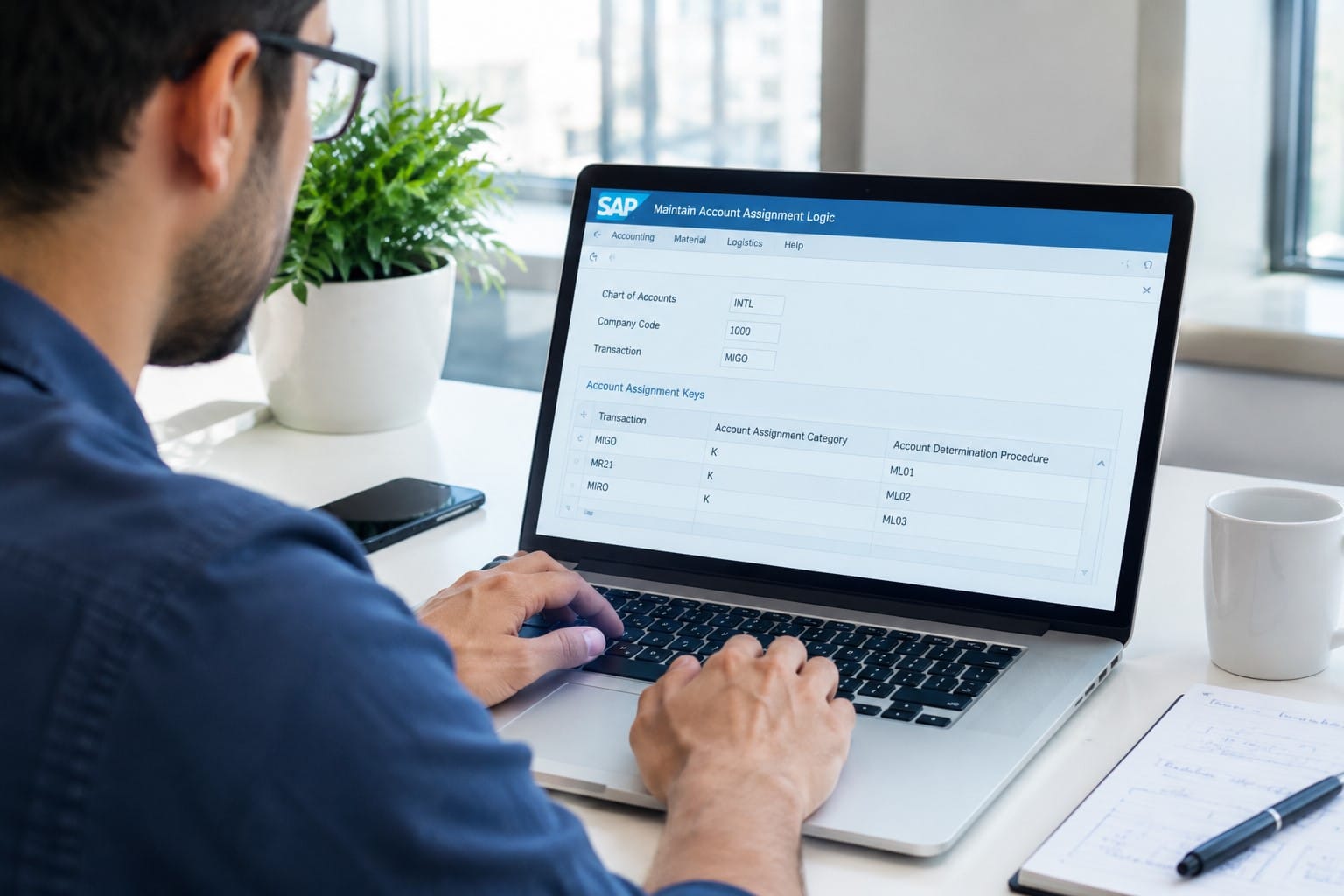
- Errors in valuation and account determination: Information about missing G/L accounts is a sign of incomplete configuration of OBYC. Check the valuation class, the movement type, and the account modification.
Frequent Invoice Verification Errors in MIRO and Their Causes
- Quantity variance: More goods were invoiced than received. Before blaming the vendor, make sure the whole goods receipt has been posted, and there are no incoming deliveries.
- Price variance: The invoice price is not the same as the PO price. Check the POs terms, any revisions to the pricing following PO issuance, and tolerance limits. If the variance is justified, then change by appropriate approval method.
- Goods receipt missing: SAP does not allow an invoice to post if the item is subject to invoice verification based on GR and a receipt was not posted. Request the warehouse staff to post the receipt.
- Duplicate invoice warning: SAP compares reference numbers, dates, and amounts to prevent duplicate payments. Review the vendor’s invoice number before overriding.
- Tax code & exchange rate mismatches: Incorrect tax codes or exchange rates may prevent posting. Look at the invoice versus the PO tax setup.
Using Tolerance Keys and Blocked Invoices Effectively
Tolerance keys are enabled and set up to determine the degree of variance SAP will accept before it will block an invoice. DQ (quantity variance), PP (price variance), and BD (bit out of shape, i.e. small difference) are some of the keys used. If you block too many invoices, your tolerances are probably too tight. If you find that many bad invoices make it through, you’ve set your tolerances too loose. Blocked invoices may be checked and released (after root cause analysis) with MRBR. Remember that releasing a block without first understanding the cause just covers up the problem.
Best Practices to Prevent Recurring Errors
Prevention is better than correction. Maintain good quality master data, particularly vendors, tax procedure codes, and material valuation. Do the goods receipts in a timely manner so that invoices don’t come in before goods receipts. Reconcile GR/IR clearing accounts often for old open items. Keep a record of problems and solutions so that staff has knowledge of common issues. Ensure that users of the system understand end-to-end process flow; many errors are due to simple errors in understanding.
Building Your Skills Through Structured Learning
Troubleshooting just comes naturally by doing. A solid SAP Training program should allow you to follow real-life scenarios in a sandbox environment, where mistakes don’t cost you a thing. If you’re looking to break into a consulting or functional role, an SAP Course will provide you with a broad knowledge of configuration and everyday business use. Finally, SAP Certification will enhance your resume and show employers that you can manage the module in real-world projects.
Conclusion
Goods receipt and invoice verification errors might appear to be scary at first glance, but nearly always boil down to a difference in quantity, price, period or configuration. Get to grips with the 3-way match, use the appropriate transactions, and learn how to leverage tolerances, and you will be able to get almost everything back on track – keeping your procure-to-pay process working like clockwork. If you are looking to strengthen these skills even further with expert help and hands-on experience, Nextnow can support you to build confidence with real SAP MM scenarios.
FAQs
1. Why does SAP block my invoice even when the goods receipt has been posted?
Most of the time it’s a quantity variance. Even when you have a goods receipt, the quantity on the invoice can be different and the difference can be a variance against the PO and GR. If it’s outside the tolerance level set for the keys like DQ or PP SAP blocks the invoice. Compare the PO history in ME23N.
2. What does “posting period is not open” mean, and how do I fix it?
This indicates that the accounting or material period of your posting date has been closed. You cannot simply override it yourself. Discuss with your finance team the open periods in MMPV and either post in the open period or request to open the previous period if there’s a valid business reason.
3. What’s the difference between MIGO and MIRO?
MIGO is the place where you post a goods receipt (e.g., goods receipt when you get stuff against a purchase order). MIRO is where you post the vendor invoice (and will mark the PO and/or goods receipt for clearing). MIGO is “we got it” and MIRO is “they want to bill us”.
4. Can I post an invoice before the goods receipt?
It depends on how the PO item was set up. If the flag for “GR for invoice verification” was checked, then SAP won’t accept the invoice until there is a goods receipt. If it was not checked, then the invoice can post first but that isn’t recommended since it could lead to reconciliation problems.